Quick answer
Labour and CCMA Matter Tracking: A Practical Guide for South African Law Firms matters because it turns Labour Law from a loose habit into a visible operating system. For South African law firms, CCMA deadline management is not only about software. It is about protecting client confidence, reducing missed work, improving cash flow, and giving firm owners a reliable view of what is happening across matters. The practical goal is simple: every important action should have an owner, a due date, a matter link and enough context for another authorised team member to continue the work if needed.
Why this topic matters now
A detailed guide to labour and CCMA matter tracking for firms that want cleaner matters, stronger client service and better operating control. Many firms still rely on a mix of email, spreadsheets, notebooks, messaging apps and memory. That can work while a firm is very small, but it becomes fragile as soon as there are more matters, more staff, more deadlines and more client expectations. The result is predictable: files become hard to supervise, invoices wait too long, clients chase for updates, and senior attorneys spend too much time asking for status instead of making legal judgments.
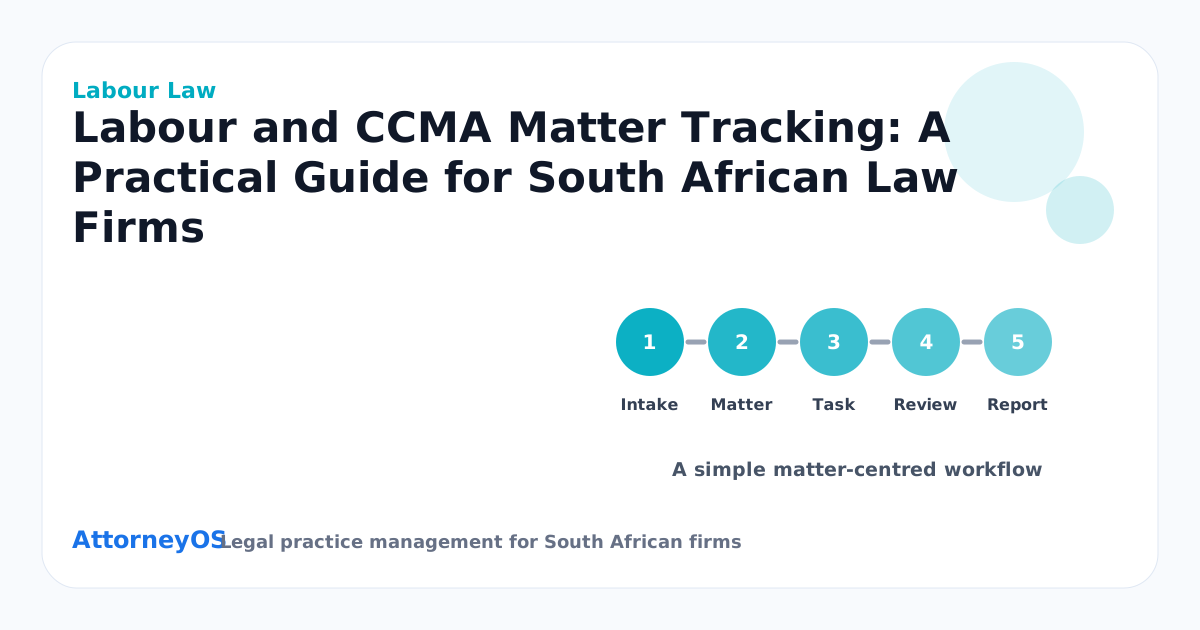
The firms that improve fastest usually do not start with a dramatic transformation. They start by making daily work visible. They decide what must be captured, where it must live, who may see it, and how exceptions are reviewed. That is why labour law workflow should be judged less by how busy the dashboard looks and more by whether it helps the firm make good behaviour repeatable. If the system does not change how work is captured on a normal Tuesday, it will not change the firm.
The South African law firm context
South African legal practices carry a specific mix of operational obligations. A firm handles sensitive personal information, client instructions, possible FICA information, POPIA-conscious records, trust movements, court dates, fee discussions and professional duties at the same time. A generic project tool can record tasks, but it usually does not understand the relationship between client, matter, diary, billing, trust recordkeeping and audit history. That relationship is where legal operations either become reliable or become scattered.
This is why the matter must remain the centre of the system. Clients and matters should stay separate because one client can instruct the firm on several different matters. At the same time, the matter page should show the whole operational picture: tasks, diary events, documents, notes, invoices, payments, trust records, research notes, risk alerts and audit activity. When those pieces are separated across tools, the firm loses context. When they are linked properly, the firm gains control without making attorneys do duplicate admin.
What good looks like
A strong Labour Law workflow has five visible qualities. First, the responsible person is obvious. Second, the next action is current. Third, the deadline or review date is recorded. Fourth, the supporting documents and notes are attached to the right client and matter. Fifth, the owner or admin can see exceptions without interrupting everyone for manual updates. That is the difference between a list of work and an operating system for a legal practice.
Good implementation also respects permissions. Owners and admins often need to see the whole firm. Attorneys, candidate attorneys, paralegals, accounts staff and viewers may need narrower access. Broader visibility should be granted deliberately, not accidentally. In a POPIA-conscious environment, access design is part of client service because it shows that the firm treats client information as controlled operational data, not as casual internal chatter.
Practical implementation checklist
- Record dismissal, referral and hearing dates immediately.
- Prepare conciliation and arbitration checklists before the file becomes urgent.
- Track settlement discussions, outcomes and follow-on dates on the matter.
- Document the current labour and CCMA matter tracking process before trying to improve it.
- Define the owner, reviewer and escalation point for each recurring step.
- Turn the process into a repeatable checklist that can survive leave, pressure and staff changes.
- Use a matter-centred workspace so labour and ccma matter tracking is linked to clients, matters, tasks, diary, documents, billing and reports.
- Review the process with the responsible attorney and update the matter record before the week closes.
A workflow a busy team can actually use
Start with the first moment the work appears. For Labour Law, that may be an enquiry, a client instruction, a court notice, a payment, a document upload, a task from an attorney or a support request. The capture point matters because late capture is where most risk begins. If the first person who sees the work can record the right basics immediately, the firm has already reduced confusion. The basics are usually the client, the matter, the owner, the urgency, the next step and the date by which something must happen.
The second stage is classification. The team should know whether the item is a task, diary event, document, invoice, trust record, research note, client update or internal note. Classification sounds administrative, but it changes behaviour. A task needs completion. A diary event needs attendance or reminder. A document needs storage and retrieval. An invoice needs payment tracking. A trust record needs careful audit history. When these categories are blurred, work looks captured but is not actually controlled.
The third stage is review. Review should not depend on a long meeting. A dashboard, report or matter risk panel should show what needs attention: overdue tasks, matters with no next action, stale files, upcoming diary pressure, unpaid invoices, incomplete FICA, pending POPIA consent and negative or unusual trust balances. The purpose of reporting is not to admire numbers. It is to decide what must happen next and who is responsible for it.
Metrics to track
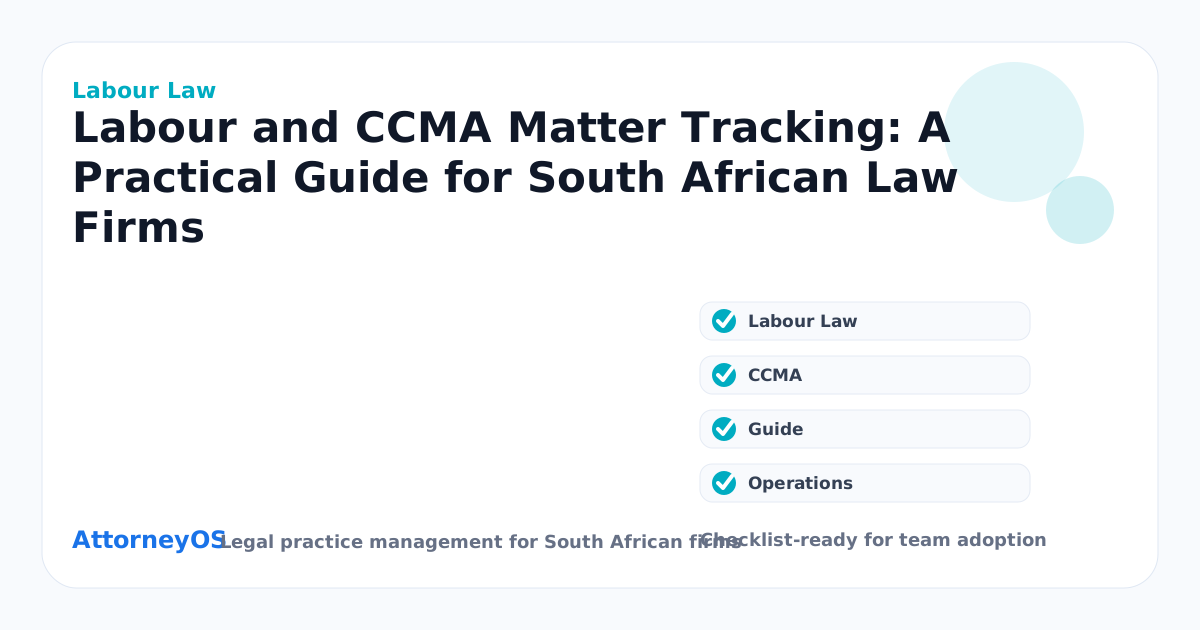
For searchers comparing CCMA deadline management, the most useful question is not whether a system has reports. It is whether the reports lead to better action. Track overdue tasks by user. Track open matters by status and practice area. Track matters with no next action. Track diary events due today and this week. Track amount billed, revenue received and unpaid invoices. Track trust balances by matter and client where relevant. Track client intake by source so marketing spend and referrals can be judged properly.
The metric mix should change by role. A firm owner needs firm-wide visibility. A practice head needs workload and risk by attorney. An accounts user needs invoices, payments and trust records. A support team member needs assigned work and clear priorities. A candidate attorney needs tasks, review feedback and the matters they are allowed to see. The same data can serve different people if permissions and dashboards are designed carefully.
Common mistakes to avoid
The first mistake is treating Labour Law as a once-off setup task. Workflows decay when nobody reviews them. A process that worked for three attorneys may fail at eight. A checklist that helped litigation may not fit family law. A billing rhythm that worked before growth may leak cash once more people start creating work. Treat the operating system as a living asset and review it regularly.
The second mistake is hiding complexity with vague statuses. Status labels are useful only when they trigger behaviour. "In progress" means little unless the matter also has a next action, owner and deadline. "Waiting" means little unless it records who is being waited on and when follow-up happens. "Urgent" means little unless the firm has agreed what urgent work interrupts and who has authority to re-prioritise.
The third mistake is focusing only on attorney convenience. A law firm is a team system. Accounts, support staff, candidate attorneys, paralegals and owners all need clear views. If the system helps only the senior attorney, work still gets stuck around that attorney. The better test is whether the whole firm can move the matter forward without losing confidentiality, context or accountability.
How AttorneyOS supports this workflow
AttorneyOS is built for this matter-centred operating model. The workspace brings clients, matters, tasks, diary, documents, billing, payments, trust recordkeeping, research, workflows, reports, team permissions and audit activity into one product environment. The design goal is not to make the firm feel like it is inside a generic admin panel. The goal is to make daily legal work clearer, faster and easier to supervise.
For Labour and CCMA Matter Tracking: A Practical Guide for South African Law Firms, the practical benefit is clear ownership. A firm can keep client and matter information linked, assign work to the right people, review risk from the dashboard, and keep audit history for important actions. The platform supports trust recordkeeping and audit readiness, but it does not replace professional judgment, firm policy or external compliance advice. Attorneys remain responsible for reviewing legal work and applying the rules that govern their practice.
30-day rollout plan
Days 1 to 7 should focus on cleanup. Pick one practice area or team. Confirm the matter list, close obvious inactive records, assign owners and record next actions. Days 8 to 14 should focus on daily usage. Capture tasks, diary events, documents and notes in the system as the work happens. Days 15 to 21 should focus on reporting. Review overdue tasks, open matters, unpaid invoices and diary pressure with the team. Days 22 to 30 should focus on standardising what worked and rolling it into the next practice area.
Do not try to perfect every template and permission rule before anyone uses the system. A working process improves faster than a theoretical one. The firm should start with the workflows that create the most pain: missed deadlines, lost documents, slow billing, unclear handovers, client silence or poor visibility. Once one area improves, the team has proof that the operating change is worth adopting.
FAQ
What is the first step for Labour Law?
Start by listing the live matters affected by this topic and checking whether each one has an owner, next action, deadline and clear client link. If those four items are missing, any software choice will feel weaker than it should.
Should a small firm wait until it is bigger?
No. Small firms feel the cost of disorganisation quickly because there is less management buffer. A simple matter-centred workflow can start with one attorney and one assistant, then scale as the firm adds users, practice areas and reporting needs.
How does this help searchers comparing legal software?
It gives the buyer a practical evaluation lens. Do not only compare feature lists. Ask whether the product helps the firm capture work, assign responsibility, protect information, bill reliably, support trust recordkeeping where needed, and report on risk before it becomes a client complaint.
Next step
If your firm is reviewing CCMA deadline management or trying to improve Labour Law, use the checklist above on three active matters this week. The gaps will become clear quickly. AttorneyOS is designed to close those gaps in one workspace, with a 7-day free trial — no credit card required — for firms that want to test the operating model on real work before committing.
Topics covered: Labour Law, CCMA, Guide, Operations.